How to Redeem Make Cards Codes
Exact redeem steps, troubleshooting, and safety habits for Vibed Games promo codes.
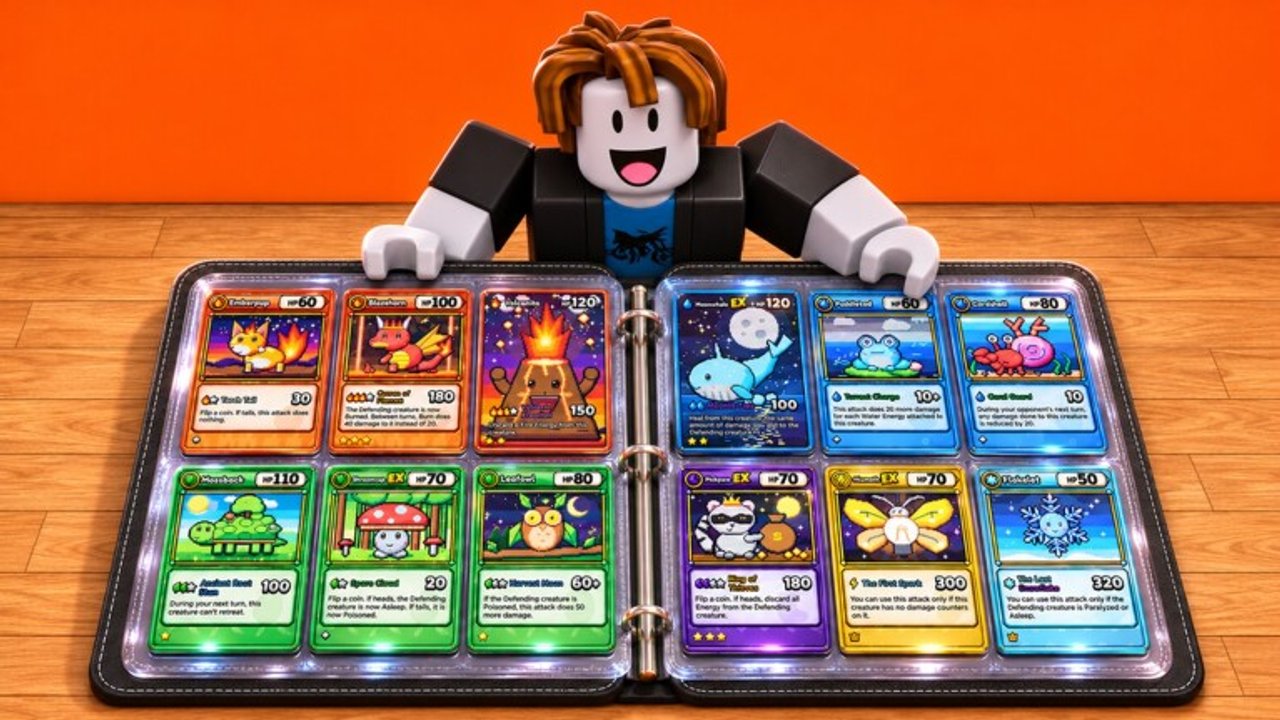
Redeeming codes in Make Cards! should take under a minute once you know the HUD. This deep guide walks through every step, explains why strings fail, covers group and like gates, warns against phishing, and shows what to do when the Codes Hub table is empty — which, as of late November 2026, is still the honest public state.
Play only on the official experience: Make Cards on Roblox. Never type codes on random websites that ask for your password.
Before you redeem
- Finish any onboarding prompts from Getting Started so the HUD finishes unlocking.
- Join the Vibed Games group if a code note mentions membership.
- Like the experience when a milestone code requires it.
- Copy the string from a trusted list — start with this wiki’s Codes Hub — not from a Discord DM stranger.
- Stable connection helps; flaky mobile data can drop the reward packet after a “success” toast.
Step-by-step redeem
- Launch Make Cards! and wait until your factory floor is fully streamed.
- Locate the Codes, Gift, or gear icon. New Vibed Games titles often tuck redeem under Settings.
- Open the text field. Tap once so the mobile keyboard does not eat the first character.
- Paste the code exactly. Do not add spaces before or after.
- Confirm with Redeem / Submit / Claim (label varies by build).
- Watch cash, items, or boost timers change immediately.
- If nothing moves, leave to the Roblox home page and rejoin once — membership and like flags sometimes need a refresh.
Need the station map while hunting the icon? Use Controls & HUD.
Troubleshooting: why codes fail
| Symptom | Likely cause | Fix |
|---|---|---|
| Invalid / not found | Typo, wrong game, or expired | Re-copy; confirm it is a Make Cards string |
| Already redeemed | You claimed it earlier | Check inventory; one redeem per account is normal |
| Requirements not met | Missing like or group | Join Vibed Games, like the game, rejoin server |
| Nothing happens | UI still locked / lag | Finish tutorial; hop servers; retry |
| Works for friends, not you | Soft account flag or cache | Relog Roblox fully; avoid VPN oddities |
Codes from Anime Card Collection, Run a Card Shop, or other card tycoons will not work here. Game-specific strings only.
Group, like, and favourite requirements
Young Roblox experiences often gate freebies behind social proof:
- Group join — Vibed Games group ID 35247239. Join, then rejoin the experience.
- Like / favourite — tap the Roblox like on the experience page, then redeem again.
- Visit milestones — some codes appear only after the community hits a visit goal; watch the description and group shout via Updates.
If a creator post says “group only” and you skipped the join, the client may still show a generic invalid error. Always satisfy soft requirements before blaming the wiki list.
Phishing and fake redeem sites
Attackers spin up pages titled “Make Cards free codes generator” that ask for:
- Roblox username + password
- Email OTP
.ROBLOSECURITYcookie paste- “Verify with Robux” scams
Never enter those. Official redeem happens inside the experience only. This fan wiki never asks for credentials. For executor malware pitched as “auto redeem,” read the Scripts Hub safety notes and stay away.
When sharing links in chat, prefer roblox.com play URLs or makecards.wiki paths from Official Links. Avoid URL shorteners.
What to do when no codes are live
An empty active table is normal early in a title’s life. As of the 29 November 2026 check, no public working codes were verified in the Roblox description. Use the downtime to grow the factory:
- Run the production loop from Getting Started.
- Push cash with Make Money Fast.
- Hire and upgrade using tier lists instead of waiting on freebies.
- Recheck Updates and the group shout after every patch.
Players who only refresh code pages fall behind players who seal packs.
After a successful redeem
- Note the reward type (cash, boost, item).
- Spend cash on bottleneck fixes, not cosmetics — see Make Money Fast.
- If a timed boost landed, start a focused sealing or sales push immediately.
- Log out only after confirming the reward persisted across a short rejoin.
Habit loop for every session
- Open Codes Hub or the Roblox description for new strings.
- Redeem with the steps above.
- Continue your session checklist for hires and upgrades.
- If a patch just dropped, run the Post-Update Checklist before big spends.
Related pages
Redeem carefully, ignore generators, and treat codes as a bonus on top of a working factory — not a substitute for one.
Mobile-specific redeem tips
On phones, paste from the Roblox app clipboard after copying on the same device when possible. Cross-device paste can insert invisible characters. If the field rejects a known-good code, type it manually once to rule out clipboard garbage, then return to paste for speed on later codes.
Desktop-specific redeem tips
Keep the Roblox window focused when you confirm. Alt-tabbing mid-request can make the client miss the reward callback. If you use browser Roblox, prefer the desktop app for tycoon UIs — prompt reliability is usually better.
When a code expires mid-hype
Milestone codes can die within hours of a visit goal completing. If Twitter or Discord still shows a screenshot but your client rejects the string, trust the client. Mark it mentally expired and move on; this wiki removes dead rows from the active table as soon as they stop redeeming on the Codes Hub.
Frequently Asked Questions
Quick answers to the most common Make Cards questions.
How do I redeem a Make Cards code?
Load your factory, open Codes or Settings, paste the string exactly, confirm, and verify cash or items changed. Rejoin once if group or like requirements just changed.
Why does my Make Cards code say invalid?
It may be expired, mistyped, from another game, or blocked until you like the experience or join the Vibed Games group.
Are code generator websites safe?
No. They are phishing. Redeem only inside the official Make Cards experience and never share your password or cookie.
What if there are no Make Cards codes right now?
Focus on the factory loop, money guide, and tier lists. Recheck the Codes Hub and Vibed Games shout after updates.