Make Cards Player Tools
Practical checklists and planning pages for cleaner Make Cards sessions — no shady executors required.
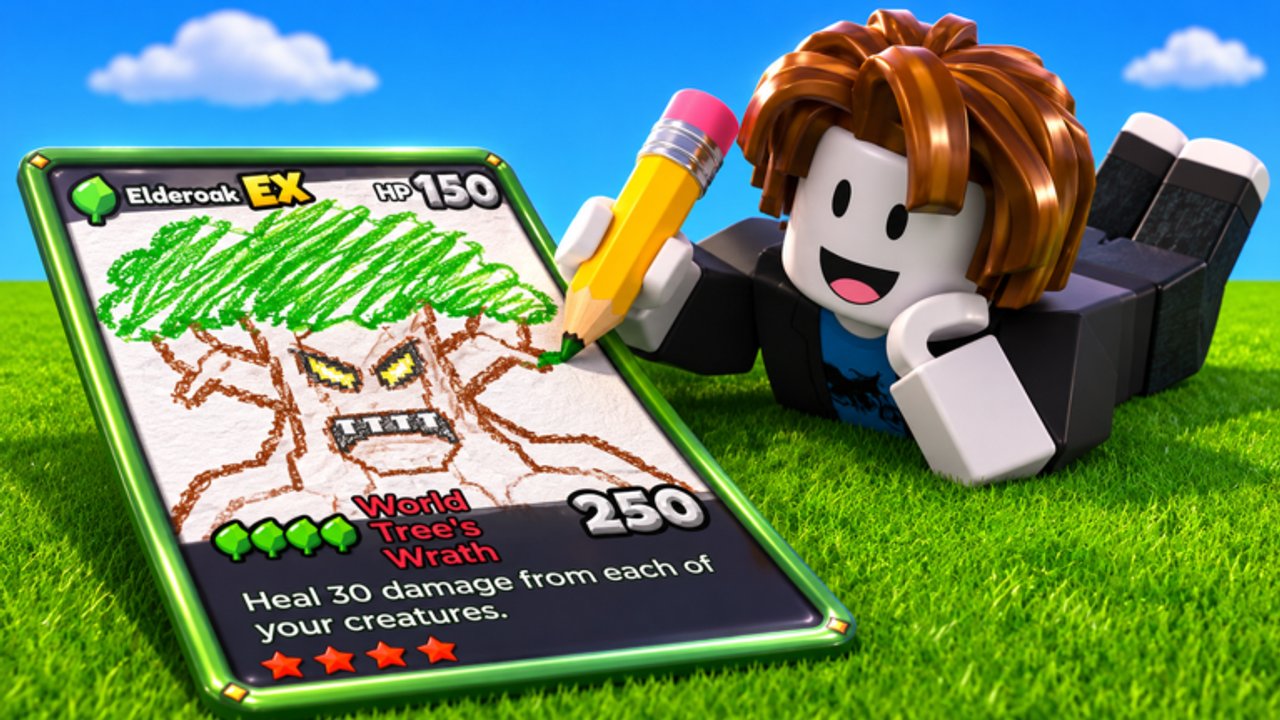
The Tools hub collects player-facing planning aids for Make Cards! — checklists and decision frames you can run before, during, and after a Roblox session. Nothing here injects into the client. These pages sit beside the Guides Hub and Tier List Hub so you turn advice into a repeatable routine.
Vibed Games ships a fast-moving card factory tycoon. Tools on this wiki stay intentionally lightweight: markdown checklists you can glance at on a second monitor or phone while the factory loads.
Featured tool pages
| Tool | Use it when… |
|---|---|
| Session Checklist | Starting, mid-grind, or ending a play block |
More planners may land here as the game grows. Each page stays guide-shaped content — not a JavaScript mini-app — so it works in every locale build the same way.
How to use this hub
- Open Session Checklist before a long grind.
- Cross-check spend decisions on Staff Priority and Upgrade Priority.
- After a Roblox update stamp, run the Post-Update Checklist first, then return to session tools.
- Keep Codes and How to Redeem one tap away for surprise drops.
What these tools are not
- Not Roblox executors or auto-farm scripts — see safety notes on the Scripts Hub.
- Not official Vibed Games software.
- Not a substitute for learning the draw → seal → serve loop in Getting Started.
If a third-party site promises a “Make Cards tool” that needs your password, close it.
Pairing tools with guides
| Goal | Guide | Tool habit |
|---|---|---|
| Learn stations | Controls & HUD | Checklist pre-session camera note |
| Raise cash | Make Money Fast | Mid-session bottleneck box |
| Hire right | Hire Staff | Hire decision prompts on the checklist |
| Expand safely | Expand Factory | Post-session layout note |
| Survive patches | Updates | Post-update ritual before tools |
Session rhythm (quick map)
- Pre-session — codes scan, HUD reminder, goal for the hour.
- Mid-session — bottleneck check, hire vs upgrade call.
- Post-session — wages vs income note, next unlock written down.
The full prose version lives on Session Checklist.
Related hubs
Use tools to remove decision fatigue, then spend your attention on sealing packs — that is how Make Cards factories scale.
Why checklists beat memory
After a long school or work day it is easy to open Make Cards, buy a cosmetic, forget codes, and log out poorer. A sixty-second pre-session pass prevents that. Keep this Tools Hub bookmarked next to the game tab so the ritual stays cheaper than a bad upgrade.
Contributing ideas (player mindset)
When you invent a personal rule that works — “never hire before timing one loop” — write it into your copy of the session checklist. The wiki pages stay general on purpose; your notes make them lethal.
Frequently Asked Questions
Quick answers to the most common Make Cards questions.
What tools does the Make Cards wiki offer?
Planning pages such as the Session Checklist. They are written guides, not game injectors or password tools.
Do I need scripts to use these tools?
No. Use the checklists beside normal gameplay. Avoid executors pitched as tools — see the Scripts Hub.
When should I open the Session Checklist?
Before a long grind, once mid-session when stuck, and after you finish so the next play block starts cleaner.